Where to find reliable measurements
Start with the manufacturer’s handbook, specification sheet or the converter’s documentation. For weight limits, inspect the vehicle’s statutory weight plate. It is often found in the engine bay, a door opening, under the bonnet or near the cab seats, depending on the manufacturer.
If the paperwork and the vehicle disagree, or equipment has been added since it was built, measure the vehicle and seek professional advice where necessary. Do not copy figures from a similar model: wheelbase, roof and conversion options can change the result.
What each figure should include
Height
Use the maximum travelling height on level ground. Account for fixed roof equipment such as an air-conditioning unit, roof vent, aerial, satellite dome, roof rack or permanently carried item. Lower anything designed to fold down before measuring.
Width
Record the vehicle’s greatest travelling width. Check the body, awning cassette and mirrors, and make sure the value you enter matches the way your routing service defines vehicle width. When uncertain, use a cautious larger figure rather than an optimistic estimate.
Length
Measure the complete travelling length, including fixed rear racks, storage boxes or permanently mounted spare-wheel carriers. If bikes or another load extend beyond the rear, include them for that journey.
Weight
Use the plated maximum authorised mass and any axle limits requested by the app—not the motorhome’s empty weight. A public weighbridge can confirm the actual loaded weight before a long trip.
Print your pre-trip checklist
Record your travelling dimensions and check your route, campsite approach and departure preparations with our printable motorhome and caravan pre-trip checklist. Open it to print a copy or save it as a PDF from your browser.
Create the profile in the app
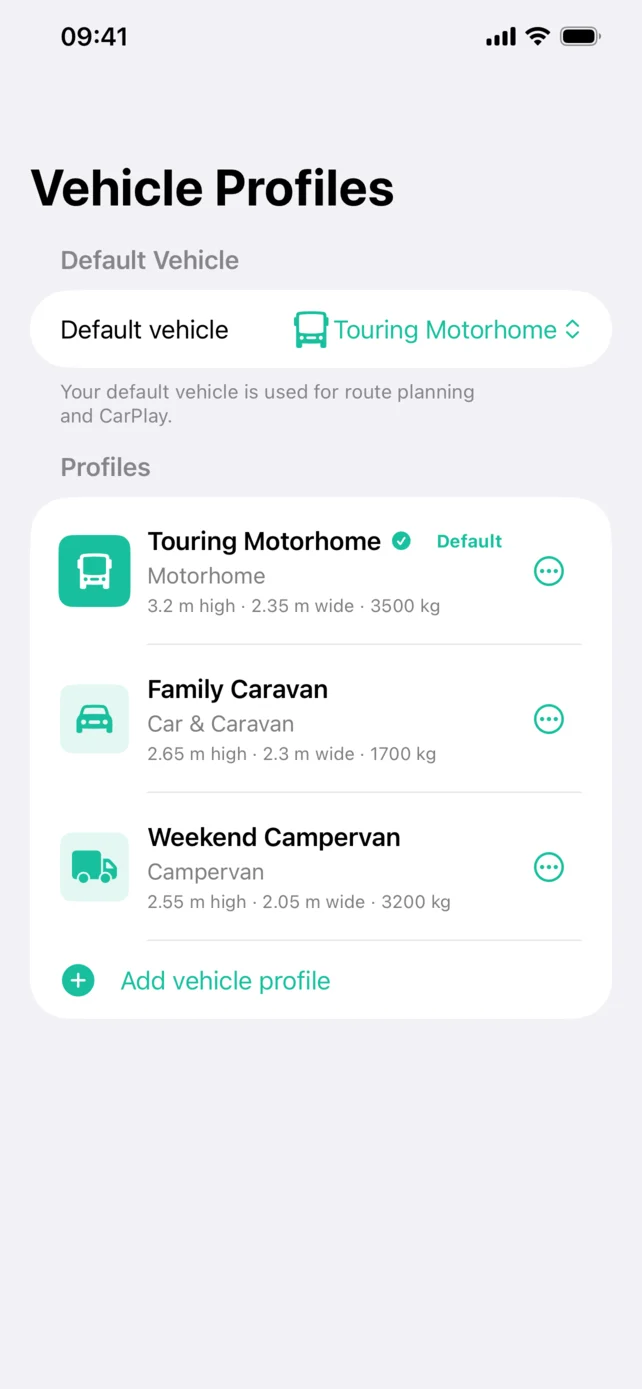
- Open the vehicle profiles area and choose Add vehicle profile.
- Select Motorhome as the vehicle type.
- Give the profile a recognisable name.
- Enter the verified height, width, length, gross weight and any axle information requested.
- Review every value and save the profile.
- Make it the default only if it is the vehicle you normally use for routing.
Review it when the vehicle changes
Update the profile after adding roof equipment, an awning, a rack, a rear box or another permanent fitting. If a temporary load changes the travelling size, adjust the profile before planning and change it back afterwards.
Vehicle-aware routing reduces uncertainty, but it cannot know about every temporary closure, overhanging branch, narrow entrance or recent restriction. Preview the route and follow road signs at all times.
Example: adding a roof accessory
If you fit a roof box or air-conditioning unit, the height in the original brochure may no longer describe your vehicle. Measure its new maximum travelling height, update the saved profile and check that this profile is selected before calculating another route.
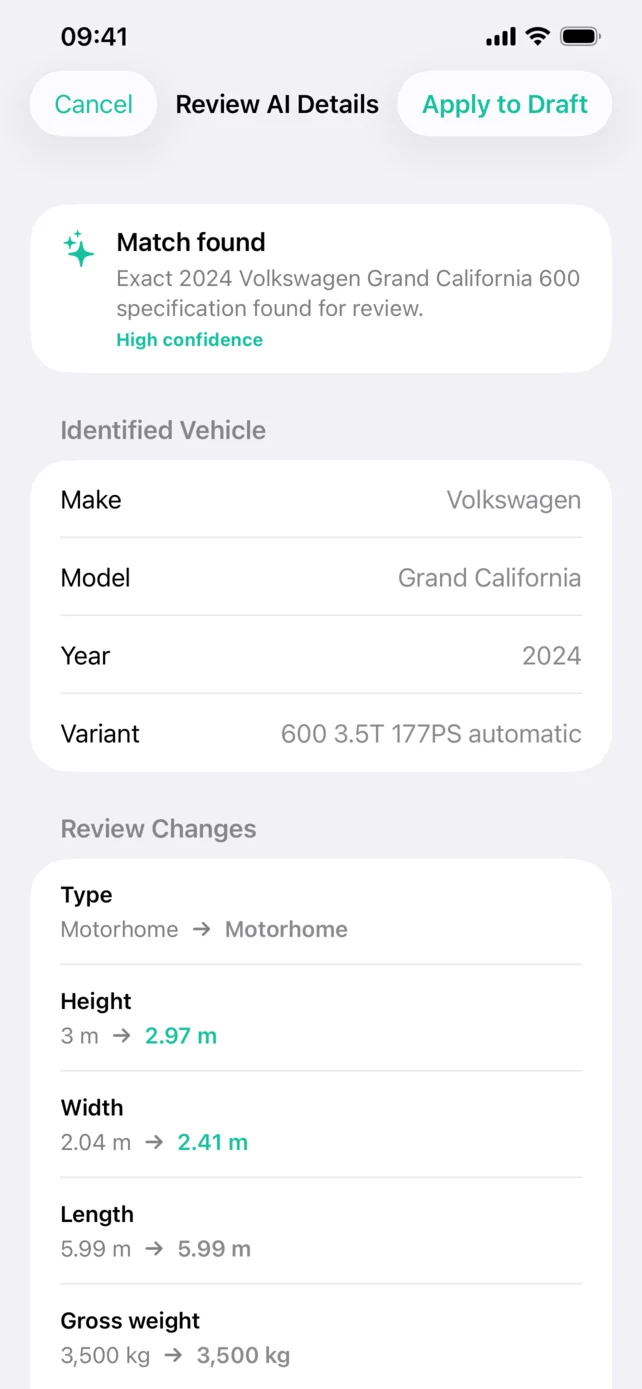
Can I use an AI suggestion as the final measurement?
Treat a suggested specification as a starting point. A model name can cover several layouts and roof options, and an online specification may omit equipment fitted later. Compare each value with your paperwork and actual vehicle before saving it.
Once the profile is ready, follow our Apple CarPlay setup guide or use the journey planning checklist to review the route.
App features: official App Store listing. Check the listing for current compatibility and release details.
For compatibility, costs and a complete product overview, see our motorhome sat nav app.