
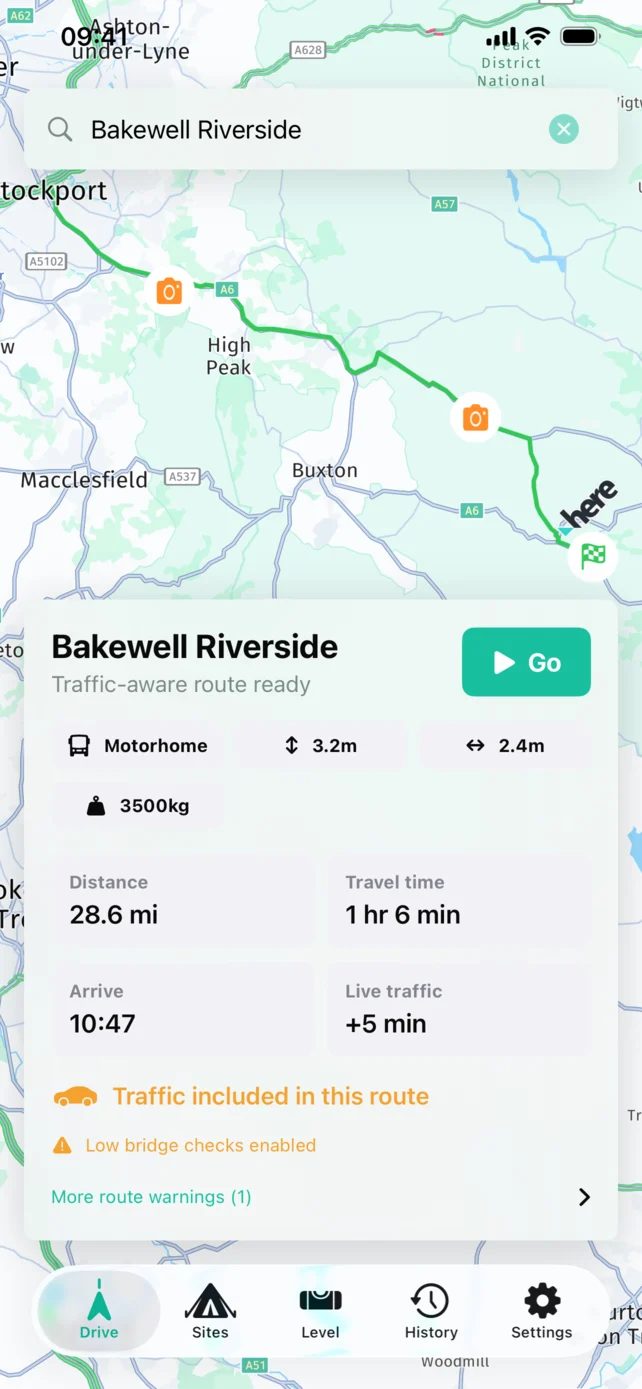
A profile for the car and caravan together
A towing journey needs more preparation than the same trip in the car alone. Your complete outfit takes up more space, and the route into a campsite deserves attention even when most of the drive follows familiar roads.
Motorhome & Caravan Sat Nav includes a car-and-caravan profile. Enter the dimensions and weights requested for your outfit, select that profile and preview the route before travelling. The app is available for iPhone, iPad and Android. On iPhone and iPad version 1.9.0, browse 54,000+ European campsite records and use English, French, German, Spanish, Italian, Portuguese or Dutch. Android features and languages depend on its installed release.
What to check before planning
- Selected profile: confirm that the route uses your towing outfit rather than another saved vehicle.
- Travelling dimensions: use the full combination length where requested, and check the caravan’s maximum travelling height and width.
- Equipment: include external loads and fittings when they change the measurements.
- Weights: check the values requested against the car and caravan documentation.
A saved profile supports route planning; it does not establish that your car can tow a particular caravan or that the outfit is loaded correctly. Follow the manufacturers’ instructions for those checks.
The final mile can need the most attention
Before departure, compare the campsite address and entrance with your booking confirmation. Read any recommended approach route. A postcode may cover a broad rural area, and the nearest gate on a map may not be the touring entrance.
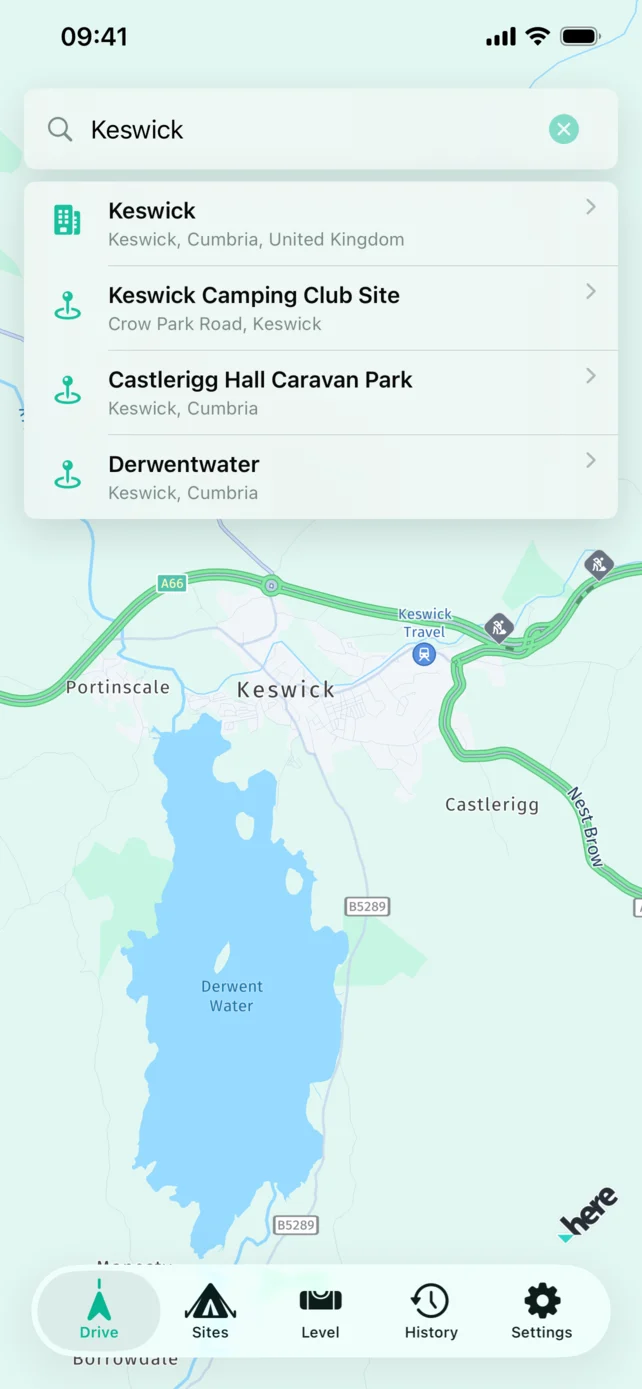
Check the arrival evidence
Review pin and route-arrival warnings and source-dated operator directions where available. Many campsite positions are site centres rather than verified entrances; reviewed entrance and approach guidance covers selected records only. Confirm the current approach with the site, and obey road signs and legal restrictions. Understand campsite arrival guidance.
Example: arriving at a site with two entrances
Imagine a campsite with a service entrance and a separate touring entrance. Before towing there, read the site’s directions and compare them with the preview. If the approach is unclear, contact the campsite while still parked. Choosing the correct entrance before leaving is easier than discovering the mismatch on arrival.
Work through our first caravan journey checklist for destination checks, route review and preparation before departure.
Can I use the dashboard screen?
Use Apple CarPlay with a compatible iPhone. For Android Auto, check the current Google Play release and your vehicle or display for availability and supported functions. Prepare the vehicle profile before moving. Our CarPlay and Android Auto guide covers setup and connection checks.
Low-signal navigation and offline maps
Download maps before travelling to prepare for areas with poor mobile reception. Offline routing and search depend on downloaded coverage, your platform, app version and subscription. On iPhone and iPad, offline access requires an active subscription verified online within the previous 24 hours. Live traffic, new cloud speech, forecasts and Assistant questions require internet access; cached speech may play offline, otherwise visual guidance continues.
Choosing a caravan sat nav
Start with how you travel: the equipment you already have, whether you need offline operation and how you want to receive directions. Then check the subscription or device cost. Our touring sat nav comparison checklist helps you ask the right questions.
Road data and restrictions can be incomplete. Always follow current signs and assess the road ahead. If you drive a motorhome rather than tow a caravan, visit our motorhome sat nav page for advice about fitted equipment and vehicle profiles.
Prepare the whole trip
Recent iPhone and iPad releases include multi-day plans, saved-site folders and notes, journey readiness checks, route and destination weather and wind forecasts, and expiring ETA links you can revoke. Recorded LPG, water and waste-point searches and reported fixed-camera alerts currently cover the UK. Compare current platform features before choosing your version.
Compatibility, price and support
Available on iPhone, iPad and Android. Requires iOS 16.0 or later on iPhone, or iPadOS 16.0 or later on iPad; check Google Play for Android compatibility. Eligible UK iPhone and iPad accounts can try it free for 7 days, then £3.99/month. Your store confirms local prices and trial eligibility. Check Google Play and the purchase screen for Android pricing, available offers and the terms for your account.
Developed by ClientMaster Ltd. Check the official App Store listing or Google Play listing for release details and customer ratings, or contact our team with a product question.