Begin with your requirements
There is no single sat nav that suits every touring owner. Someone who already uses an iPhone and CarPlay may want a different setup from someone who wants a separate screen or needs navigation without mobile coverage. Write down those requirements before comparing prices.
This guide is published by ClientMaster Ltd, the developer of Motorhome & Caravan Sat Nav. It is a buying checklist, not an independent test or ranking of competing products.
Compare features, not just the label
| Requirement | What to check |
|---|---|
| Ordinary car navigation | Can this specific product use your touring vehicle’s dimensions and weights in route calculation? Do not assume that a destination search or car mode includes those settings. |
| Touring navigation app | Does it support your phone and the correct vehicle type? Check internet requirements, subscription terms and compatibility with your dashboard display. |
| Dedicated sat nav device | Check the exact model’s vehicle settings, screen, power connection, map updates and traffic service. Confirm what works without a phone or data connection. |
| Total cost | Compare purchase price, recurring charges, map or traffic updates and any required accessories over the period you expect to use it. |
| Campsite arrival | Can you inspect the final approach and confirm the correct entrance before starting? Compare the preview with the campsite’s own arrival directions. |
Where our app fits
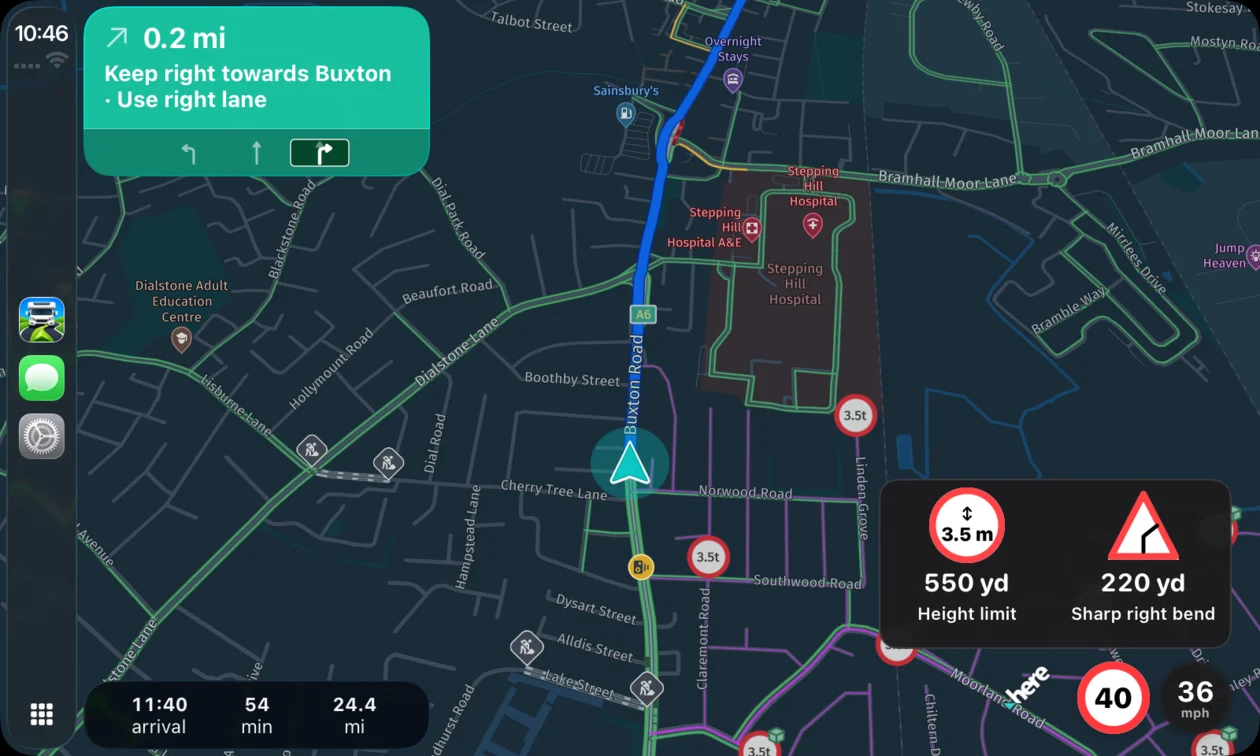
Motorhome & Caravan Sat Nav provides vehicle profiles, UK campsite search, live traffic and Apple CarPlay. It requires internet access for routing and rerouting, so it is not an offline navigation option. Read the motorhome overview or caravan overview for the setup relevant to your vehicle.
Try a familiar journey before a long trip
- Check that the device and app are compatible.
- Enter and verify the vehicle profile while parked.
- Preview a destination you know and inspect the suggested arrival point.
- Check that the screen is readable and voice instructions are audible.
- Learn how to stop guidance and change a destination before relying on it during a holiday.
A familiar-route check helps you learn the controls. It does not prove that every future route will be suitable or that all restrictions are represented.
Questions worth asking before you buy
- What happens if mobile coverage disappears?
- Which functions need a subscription, a paired phone or a separate service?
- Can I save the profiles I need and check which one is active?
- How do I report a map problem or get help?
- What are the renewal and cancellation terms?
For our app, see support and common questions and subscription terms. Before your first touring journey, use the vehicle measurement guide or caravan preparation checklist.
Compatibility, price and support
Requires iOS 16.0 or later on iPhone, or iPadOS 16.0 or later on iPad. Try it free for 7 days, then £3.99/month. Check the purchase screen for the terms offered to your account.
Developed by ClientMaster Ltd. Check the official App Store listing for release details and customer ratings, or contact our team with a product question.