What to Look for in a Motorhome Sat Nav App Before Your Free Trial
Choosing a motorhome sat nav app should not feel like a gamble. You already know the worry: a route that looks fine on a phone screen until you meet a low bridge, a road that narrows to a width you cannot pass, or a campsite entrance your outfit cannot actually turn into. The right app removes that worry before you set off. The wrong one adds to it.
If you are new to app-based navigation, this is a plain-English checklist. Work through it while you are still on a free trial, and you will know within a week whether an app genuinely suits the way you tour.
Start with the vehicle profile, not the map
The single most important feature is whether the app knows your vehicle. A standard sat nav assumes you are driving a car. A motorhome or caravan sat nav app should ask for your real dimensions and hold them for every route it plans.
Before your trial ends, check that you can enter:
- Height - so the app can avoid low bridges and height-restricted tunnels.
- Width - so narrow lanes and width limits are filtered out.
- Weight - so weight-restricted roads and bridges are avoided.
- Length - so tight bends and unsuitable junctions do not catch you out.
Then test it honestly. Enter your actual dimensions, even if they feel large, and plan a route you know includes an awkward approach. If the app reroutes you around it, it is doing its job. If you have to spot the hazard yourself, keep looking.
Look for UK campsite coverage you can trust
Touring is not only about the road between two points. It is about where you stop, and whether your outfit fits when you get there.
A useful app should let you find and navigate to UK campsites from inside the same app you are already using for directions. Check that:
- The campsite list covers the regions you actually tour, not just a handful of flagship sites.
- Sites carry the detail that matters to a larger vehicle, so you are not guessing about access.
- You can plan a stop as part of the route itself, rather than switching between three different apps.
The practical benefit is simple. When sight of the site is your next decision, convenience matters more than a long list of features you will never open.
Does it plan routes the way you actually drive?
Route planning is where a touring app proves whether it understands your vehicle. Try it on a route you know well, ideally one with a tricky section, and watch how it behaves.
Look for:
- Vehicle-aware routing that avoids the roads your outfit cannot take, rather than simply flagging them.
- Live traffic so a delay on a motorway does not send you down an unsuitable alternative.
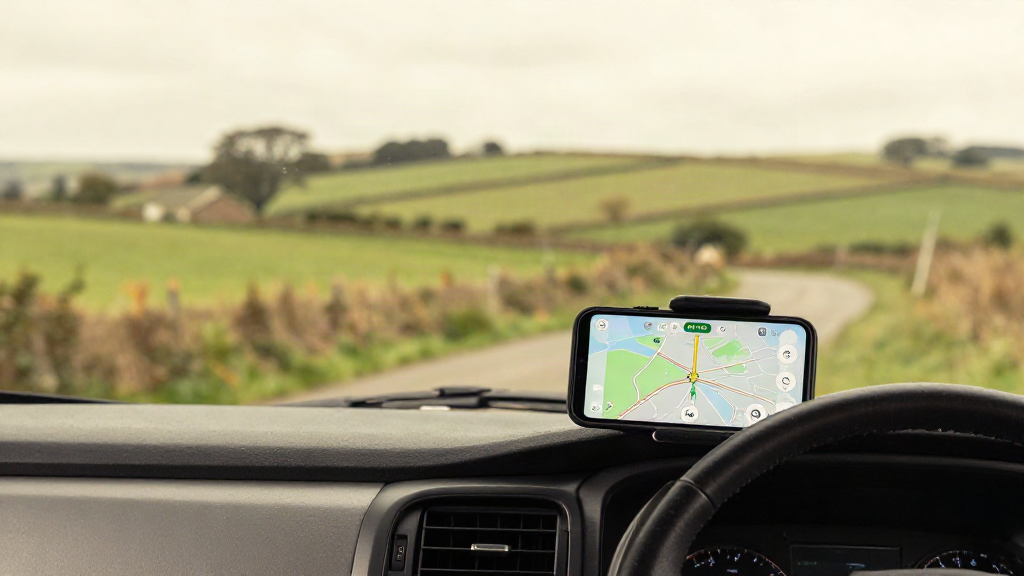
- Clear, calm guidance you can follow at a glance, on roads where stopping to re-read a screen is not an option.
A beginner-friendly app should feel reassuring rather than busy. You want to arrive feeling ready, not relieved that you survived the last junction.
Check the day-to-day practicalities
A few smaller details decide whether you will actually keep using an app after the trial.
Apple CarPlay and iPhone support
If your cab has a screen, Apple CarPlay puts the navigation where you can see it without reaching for your phone. Check that the app supports it and that the display stays legible in bright daylight.
Downloadable maps and offline use
Signal in the places you love to stay is rarely reliable. If the app can hold the map data you need, a dead patch of countryside stops being a problem.
A price you can live with
Subscriptions add up across a season. Compare the ongoing cost against how often you tour, and be wary of an app that hides its price until you have invested time in setting it up.
Try before you commit
This is why the free trial matters. Do not just browse the menus. Use the trial on a real journey.
Set your vehicle dimensions, plan a route you know well, find a campsite you would actually stay at, and see how the app guides you when the road gets interesting. A week is enough time to tell the difference between an app that understands touring and one that merely draws a line on a map.
Where Motorhome & Caravan Sat Nav fits
Motorhome & Caravan Sat Nav is built for exactly this checklist. You enter your vehicle's dimensions, find your next stop among 6,000+ UK campsites, and navigate with live traffic and Apple CarPlay. It is free for 7 days, then GBP 3.99 a month on iPhone and iPad, so you can test every point above on your own roads before you decide.
Touring should feel like freedom. A sat nav app that knows your vehicle, your route and where you are sleeping is the quiet part of that freedom. Start with the trial, check it honestly, and choose the app that lets you simply enjoy the drive.